Every designer has a war story. You spent two weeks building a pixel-perfect prototype—layered, annotated, agonized over—and then the client stared at it like you’d handed them a tax form. “This isn’t what I had in mind,” they said, which loosely translates to: we were never speaking the same language. That’s a painful, expensive lesson in skipping the alignment phase.
Enter the mood board. Underestimated, occasionally dismissed as a Pinterest hobby for people who drink too much matcha, mood boards are in reality one of the coolest tools in a designer’s workflow. They close the gap between your creative vision and your client’s imagination before a single pixel gets pushed into production. In UI/UX design, branding, web design, and digital product development, that alignment is worth more than any prototype you’ll build.
What Is a Mood Board, Actually?
A mood board—digital or physical—is a curated visual collage of photos, textures, color swatches, typography samples, illustrations, and references that communicates the emotional direction of a design concept. In UI/UX terms, it answers the question: what should this product feel like?
Unlike wireframes (which map structure) or prototypes (which simulate function), a mood board operates in the emotional register. It says: this is the world we’re building—does it resonate? It’s a fast, flexible, eminently reworkable artifact that any creative professional can produce in a fraction of the time required for high-fidelity mockups.
Mood boards work in branding, mobile app design, web design, motion graphics, interior design, fashion—anywhere a coherent visual language matters. Which is basically everywhere.
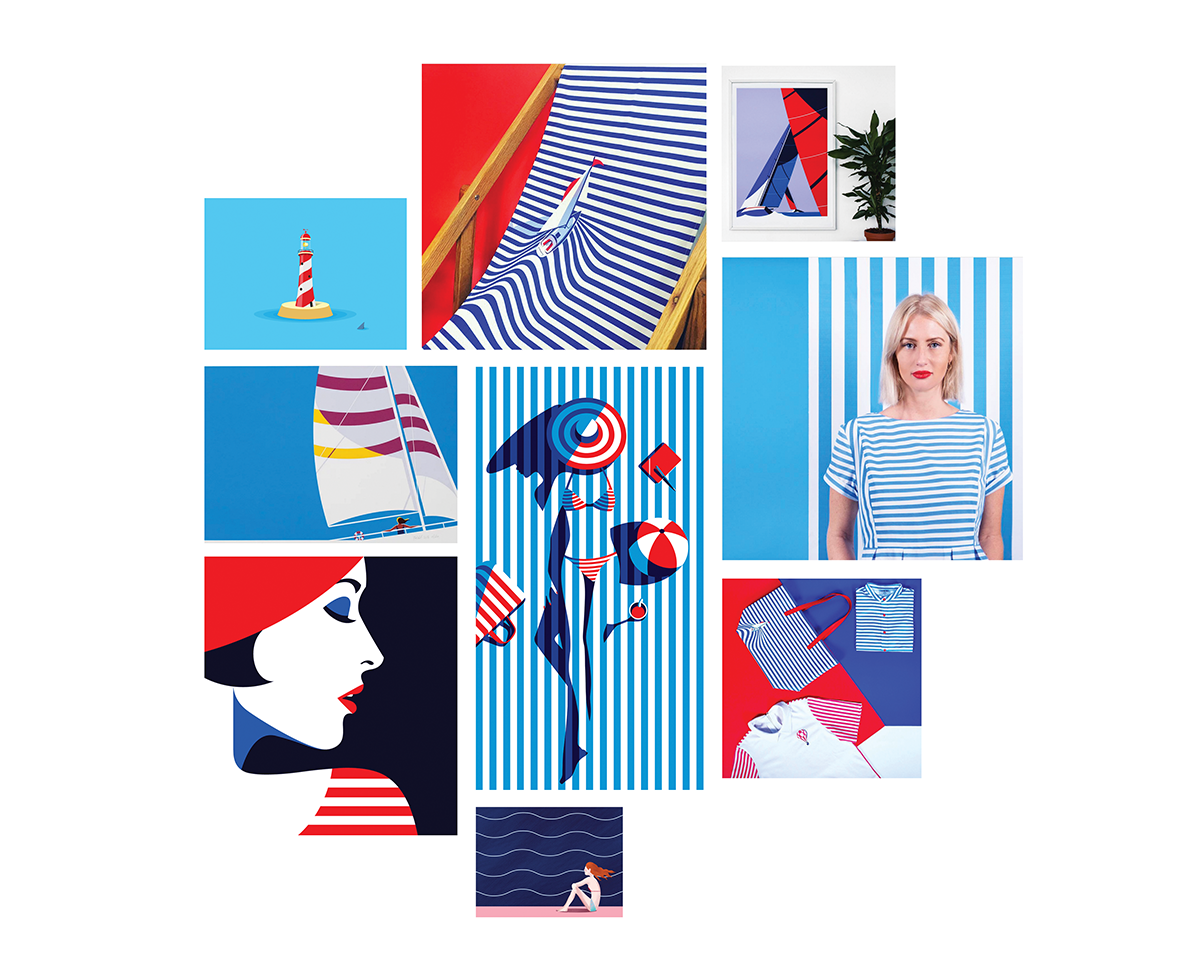
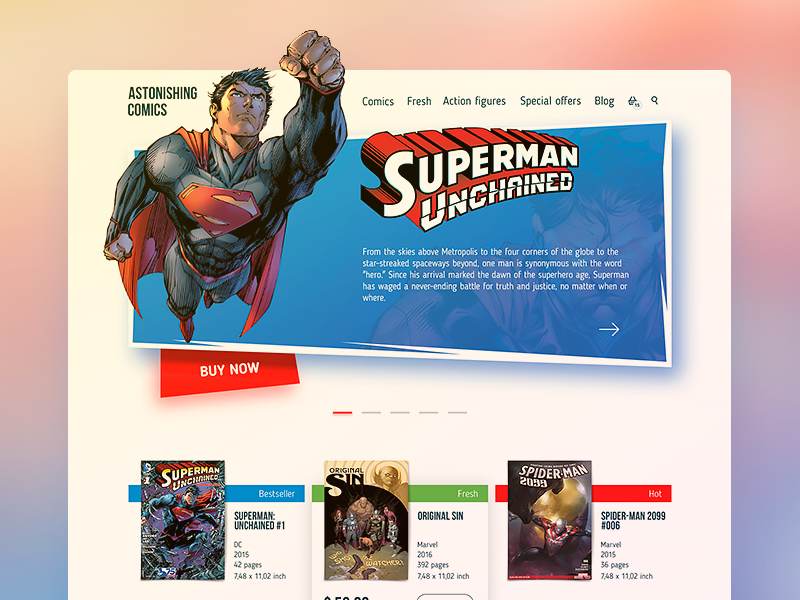
Graphic design mood board compiled by Tubik designer Ernest Asanov
Types of Mood Boards Worth Knowing
Before diving into why you should be making them, here’s a quick taxonomy.
Free collage. A loose, expressive assembly of photos, illustrations, fonts, and color samples that communicates the overall atmosphere of a concept. Fast to produce, easy to edit, and great for conveying mood and style direction at an early stage. Less effective with clients who need more concrete scaffolding to visualize an outcome.
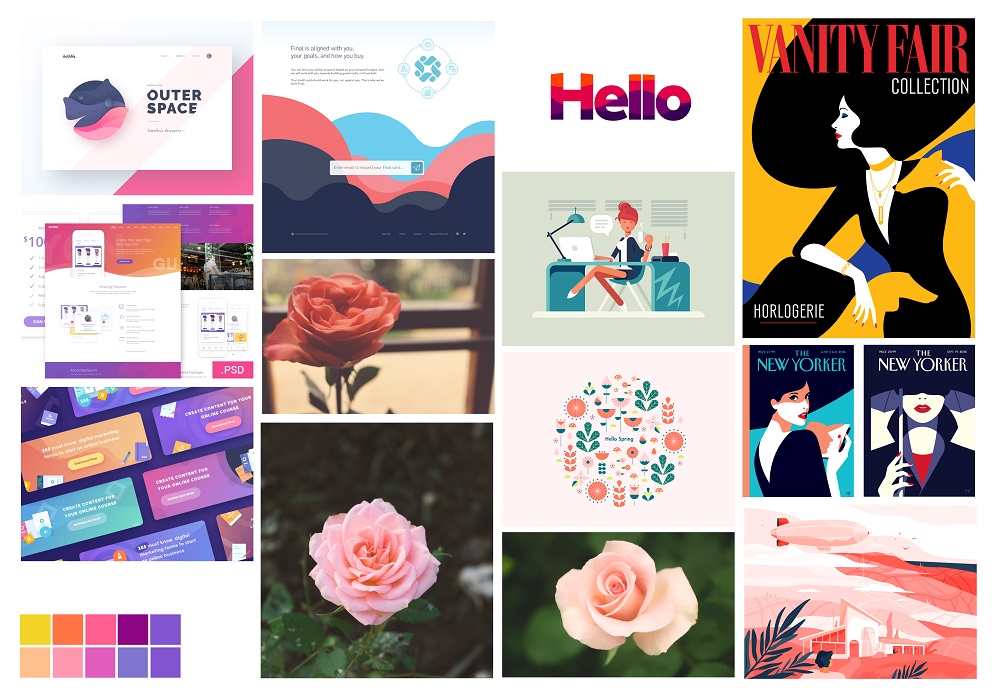
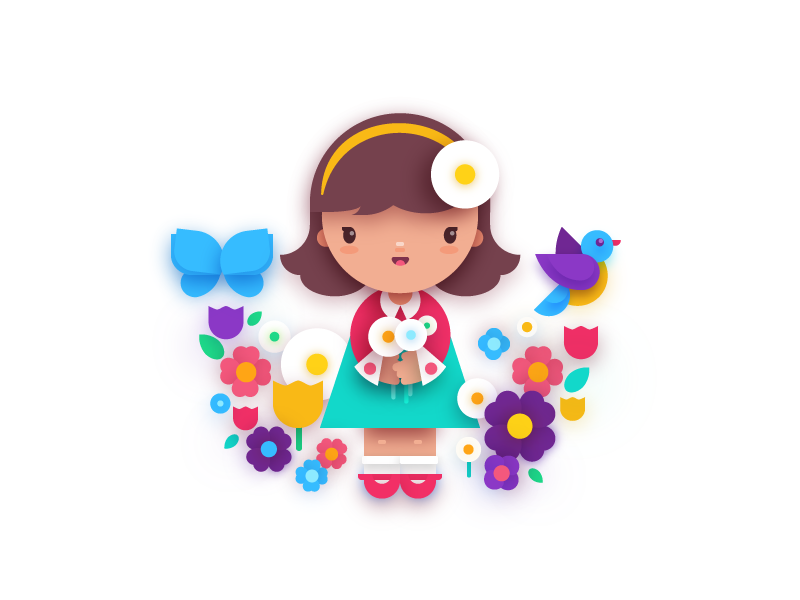
Mood board compiled by Tubik designer Ludmila Shevchenko
Reference collection. A curated set of design works pulled from platforms like Behance, Dribbble, or Awwwards, grouped by a shared aesthetic or functional characteristic. This type of mood board speaks directly to clients by showing them work that already exists in the world—helping them extrapolate what their own product could look like. Because references come from real, finished projects, they’re highly persuasive. They make the abstract concrete.
Template board. The most structured of the three, sitting somewhere between mood board and low-fidelity wireframe. Instead of free collage elements, a template board uses photos and illustrations placed in actual layout positions to suggest visual hierarchy, content structure, and color palette—all without the full investment of a prototype. It communicates both mood and architecture. For complex digital products, this is often the most useful starting point.
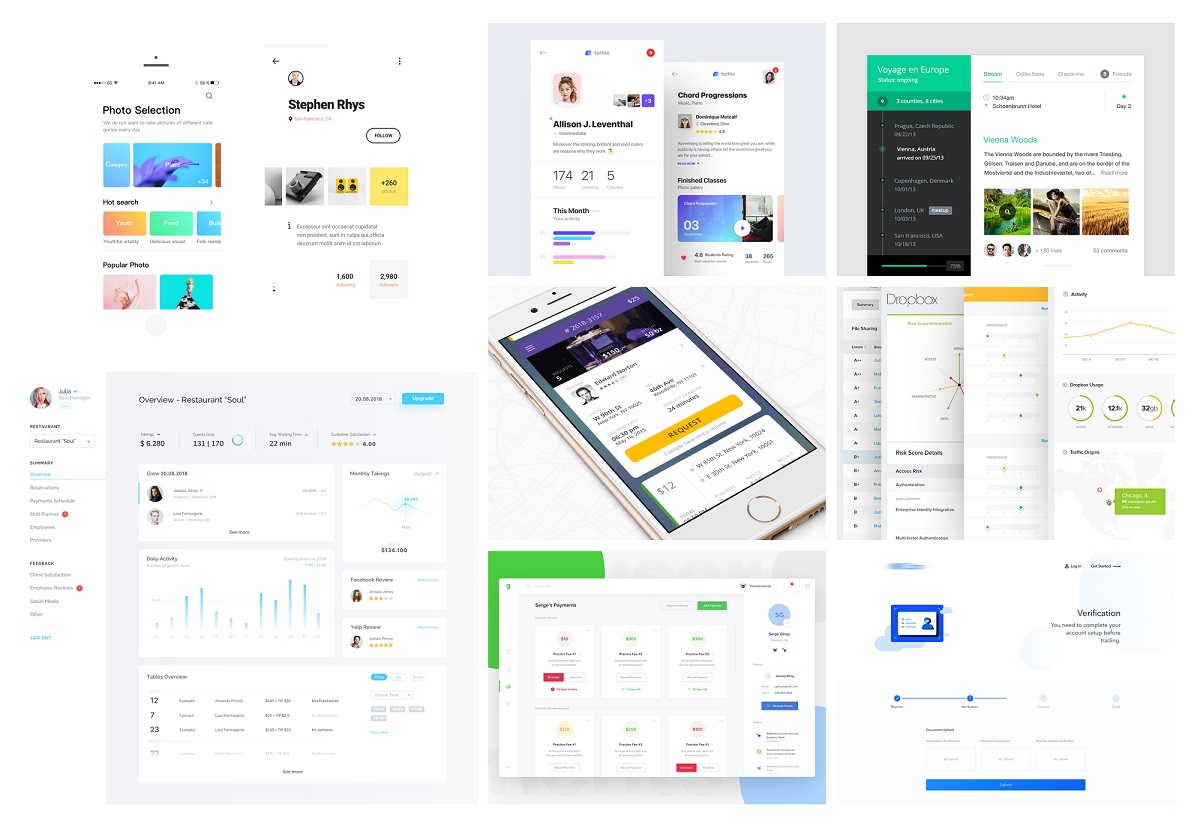
Mood board compiled by Tubik designer Ludmila Shevchenko
7 Reasons Mood Boards Deserve a Permanent Place in Your Process
1. They save time—a lot of it.
The best mood board you’ll ever make takes a couple of hours. The worst rejection of a polished prototype costs you a couple of days. Do the math. Mood boards for web design and brand identity concepts are fast to create and even faster to revise. When a client asks for a pivot in creative direction, you’re adjusting a collage, not dismantling a component library. That efficiency compounds: a strong mood board gives you a visual brief to work from, compressing every subsequent stage of the design process.
2. They’re a legitimate creative tool for inspiration.
The myth that designers wait for inspiration and then execute is exactly that—a myth. Creativity is a practice, and moodboarding is one of its most reliable techniques. Assembling images, colors, and textures forces your brain into associative mode. You see a photo of brutalist architecture next to a sans-serif specimen and suddenly you have a direction for a fintech dashboard. That connection would never have surfaced in a blank Figma file.
There’s also a strong case for physical mood boards—actual materials, textures you can touch, images you pin to a wall. Tactile, hands-on work engages different cognitive machinery than digital tools. For pure creative development, working physically has a measurable effect on idea generation.
3. They make color exploration fast and low-risk.
Choosing a color palette for a digital product is harder than it looks. Colors that work in isolation can destroy each other in combination. Colors that look great in stock photography can die on a UI component. A mood board is your color laboratory—assemble images and swatches, test combinations, observe how hues interact across different visual contexts, and arrive at a palette direction before you’ve built a single screen. UI/UX color palette development moves faster and smarter through moodboarding than through any other method.
4. They fix client communication before it breaks.
Here’s the thing about words: they’re imprecise. A client says “modern” and they might mean Notion-style calm neutrals or they might mean a crypto exchange with neon gradients and aggressive motion. Both exist. Both are “modern” to someone. A designer says “clean and editorial,” and the client imagines a news site. Everyone walks out of a meeting nodding, and everyone has a different picture in their head.
A mood board cuts through that noise. It replaces subjective vocabulary with shared visual reference. “Is it more like this—or like this?” is a far more productive conversation than “what does sophisticated mean to you?” Client communication in design improves dramatically when you introduce visual alignment tools early in the process.
5. They let visuals do the heavy lifting.
A ten-slide deck explaining your design rationale can be undone by a single mood board showing it. Clients process images faster than they process arguments. When you show rather than explain, you’re working with human cognition rather than against it. Visual communication in design development builds trust and comprehension simultaneously.
Show the work early, at the stage when it’s still movable. Clients who can see a concept taking shape at the mood board phase invest in it. They become stakeholders in a direction, not judges of a finished artifact.
6. They accelerate style exploration.
When a client gives you latitude—”we want something distinctive, figure it out”—that freedom can be paralyzing if you approach it with prototypes. Moodboarding makes style exploration lightweight. You can test a dark, typographic editorial approach alongside a warm, illustrative one alongside a bold geometric system, all on the same afternoon. Typography pairing, texture exploration, illustration style, spatial rhythm—all of it is testable through collage before you commit to a design direction. Design style exploration through mood boarding is how you make confident decisions without expensive detours.
7. They bring clients into the process as collaborators.
The most effective client relationships involve shared ownership of creative decisions. When clients feel like passive recipients of your work, every delivery is a judgment call and every revision is a confrontation. When clients participate in the visual direction, they become invested in the outcome.
At the mood board stage, you can invite clients to contribute: pull images that feel right, flag references they admire, identify anything that doesn’t resonate. Even clients with no design background can engage meaningfully with visual material. The result is a much clearer picture of their taste and expectations—and a much smoother path to a design they’ll love. Client collaboration in UI/UX design works best when you start with accessible, low-stakes tools. Mood boards are exactly that.
Make Moodboarding a Habit, Not a Favor
The designers who build great relationships with clients and ship work they’re proud of share a common trait: they front-load alignment. They invest a small amount of effort early to avoid massive effort later. Mood boards are that investment.
Add them to your design workflow. Use them for branding, mobile UI, web design, product concepts, motion work—anywhere you need to communicate a vision before you’ve built it. They’ll make you faster, sharper, and dramatically easier to work with.
Every word in your brief, every conversation about direction, every back-and-forth about style—a mood board converts all of that into something everyone in the room can actually see. And when everyone sees the same thing, the work gets made right the first time.
Recommended Reading
If this got your neurons firing, we’ve got plenty more where that came from—case studies, design thinking, and the occasional uncomfortable truth about the industry. Go explore!
Types of Images in Web Interfaces
How to Design Effective Search in User Interfaces
Small Elements, Big Impact: Types and Functions of UI Icons
Basic Types of Buttons in User Interfaces
Visual Dividers in User Interfaces: Types and Design Tips
Directional Cues in User Interfaces
Copywriting for Mobile and Web Interfaces: Types of UI Copy